How to use
Download a TikTok Video in four stepsSavku saves media from a single post. Paste a post URL, not an account URL.
1
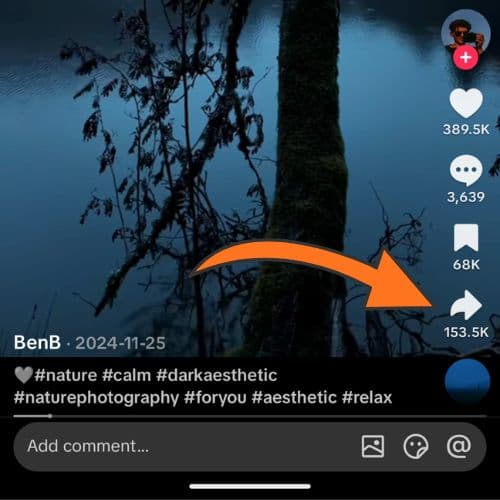
Open the postOn TikTok, open the video or photo you want, then tap Share.
2
Copy the linkTap Copy link. Short links like vt.tiktok.com work too.

3
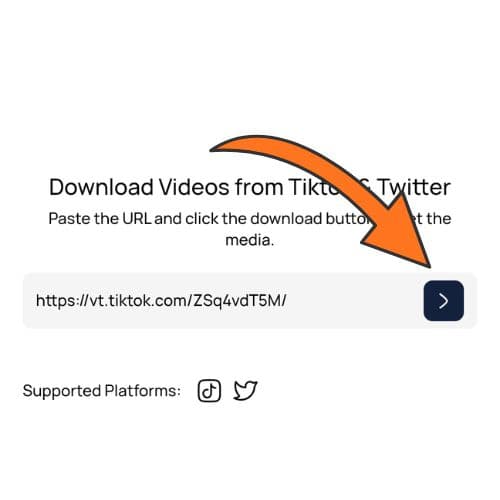
Paste and downloadPaste the URL on Savku and tap the arrow.
4
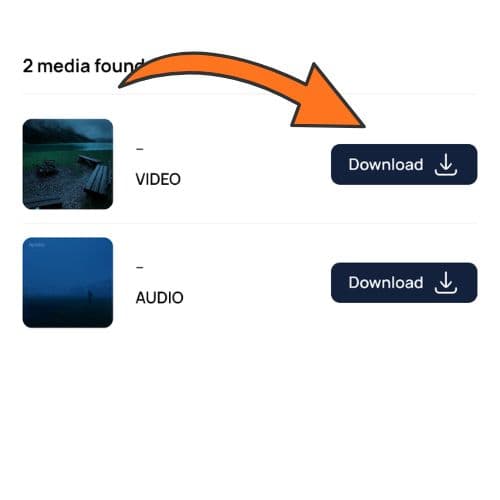
Save the mediaChoose video, photos, or audio and tap Download.